$15
Categories
Graphis Design / Print
About the Product
Invoice
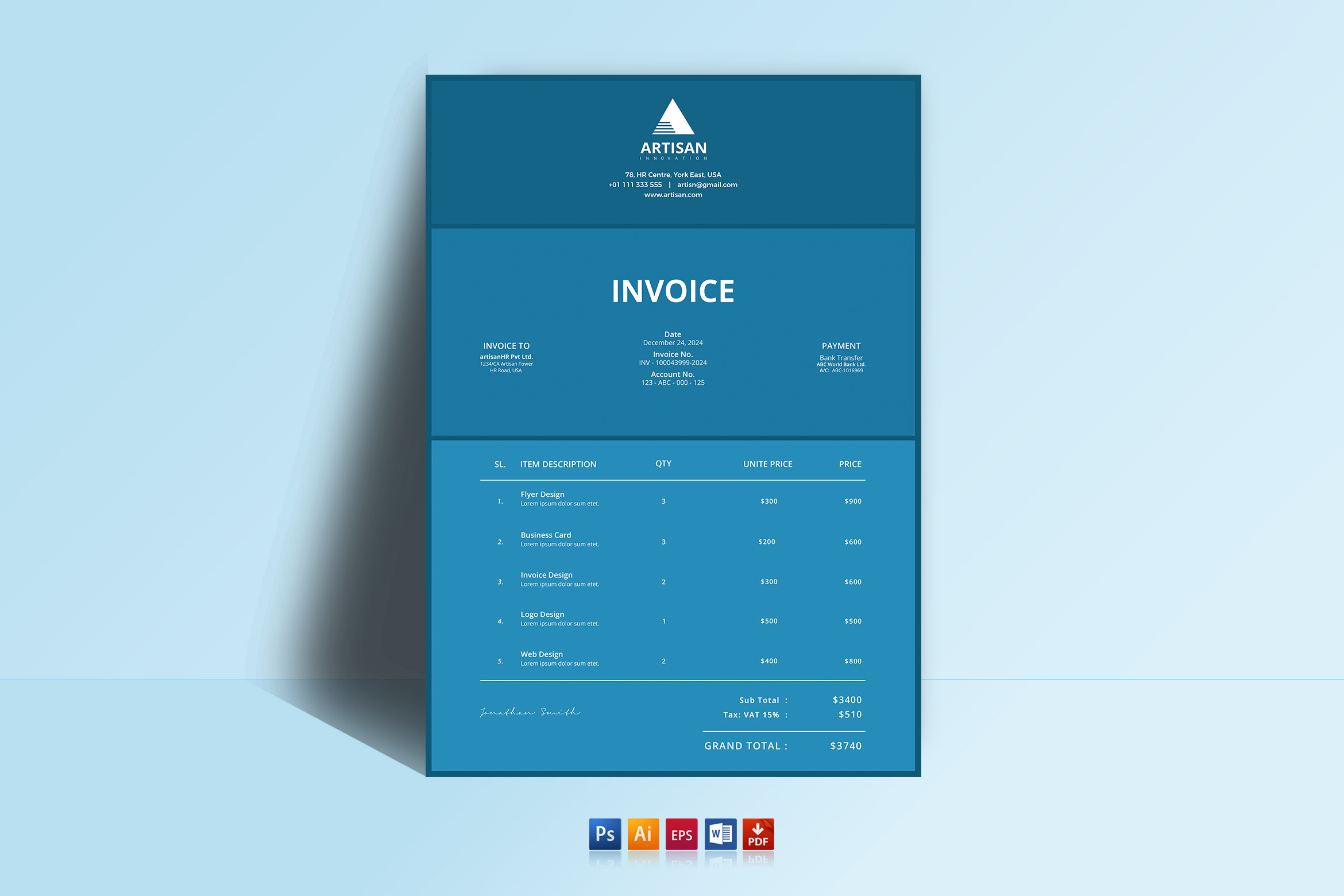
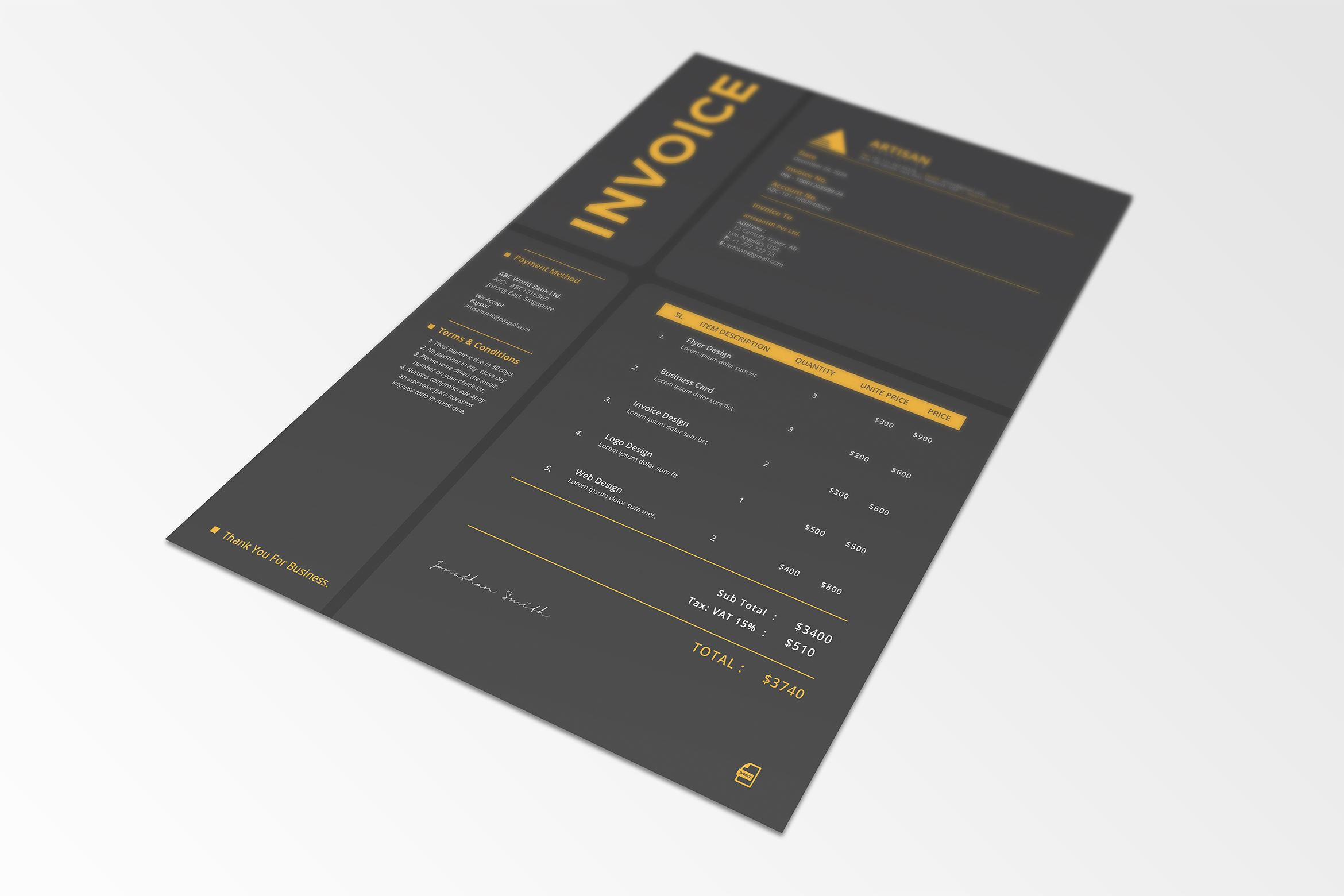
This Invoice will help you in your business to save time, organize you product data and customer’s info and easily generate the invoice by inserting the costumers ID and Items ID. This invoice came on standard A4 and US letter with 5 colors included ready to use. MS Word in auto calculation features. Also you can change the color to match your brand, if you want. There’s a good and clean Invoice for your company too include here which is also full editable and well organized.
File Features:
- US Letter (USA, Canada) size
- A4 (ISO International) size
- MS Word & Excel in auto calculation
- CMYK color mode
- 3 color variations
- 300 DPI – Print-ready (3 mm bleed included)
- File Formats in PSD, AI, EPS, DOCX & PDF
- Fully Editable in PSD, AI, EPS, DOCX & PDF
- Well organized files and folders
- Well documented instructions and font file web links
- All PSD, AI & EPS, Files are layered
- Adobe Photoshop CS3 version (Minimum CS)
File Includes:
- Help File.pdf
- Information.txt
- 10x PSD files (a4 & US letter size)
- 10x AI files (a4 & US letter size)
- 10x EPS files (a4 & US letter size)
- 10x DOCX files (a4 & US letter size)
- 10x PDF files (a4 & US letter size)
Application Supported
- Adobe Photoshop CS3 – PSD
- Adobe Illustrator – AI, EPS
- Adobe Acrobat Raeder - PDF
- MS Word – DOCX, DOC
Free Typeface:
- Fonts download links are available in documentations.
Notes:
- Mockup is not included
- Before opening template you must install the required fonts.
For any information or support, please mail and contact with us.
If you like these items please appreciate it, Thank you!
Product Specs
Created: Apr 1, 2026
Compatible with: Adobe Photoshop, Adobe Illustrator, PDF, MS Word, MS Excel
DPI: 300
Vector
Layered
Related Products

Abaya Banner
by Triventor in Graphis Design
$50
Minimal Branding Identity
by Triventor in Graphis Design
$25
Best Sellings
Abaya Banner
by Triventor in Graphis Design
$50
Minimal Branding Identity
by Triventor in Graphis Design
$25
You May Also Like

Product 17
by Triventor in Graphis Design
$26
Frequently Asked Questions
How do I contact support?
If you need help, please use the "Contact Support" button on this page. For specific product-related questions, contacting the Shop Owner directly is recommended. You can also send a message to the Shop Owner directly from their shop profile. For anything else (licensing, billing, etc), please visit our Help Center.
How can I unzip product files?
PC: To extract a single file or folder, double-click the compressed folder to open it. Then, drag the file or folder from the compressed folder to a new location. To extract the entire contents of the compressed folder, right-click the folder, click Extract All, and then follow the instructions.
Mac: Double click the .zip file, then search for the product folder or product file.
If you continue to have trouble, check out this help file for more tips.

Blake Ruiz
22 Feb, 2024 at 05:56 pm
Lorem ipsum dolor sit amet, consectetur adipisicing elit, sed do eiusmod tempor incididunt ut labore et dolore magna aliqua. Ut enim ad minim veniam, quis nostrud exercitation ullamco laboris nisi ut aliquip ex ea commodo
Blake Ruiz
22 Feb, 2024 at 05:56 pm
Lorem ipsum dolor sit amet, consectetur adipisicing elit, sed do eiusmod tempor incididunt ut labore et dolore magna aliqua. Ut enim ad minim veniam, quis nostrud exercitation ullamco laboris nisi ut aliquip ex ea commodo
Post a comment